
Buy a coin
1
Open the coin
Paste its contract address. Make sure the panel is on Buying ⇄.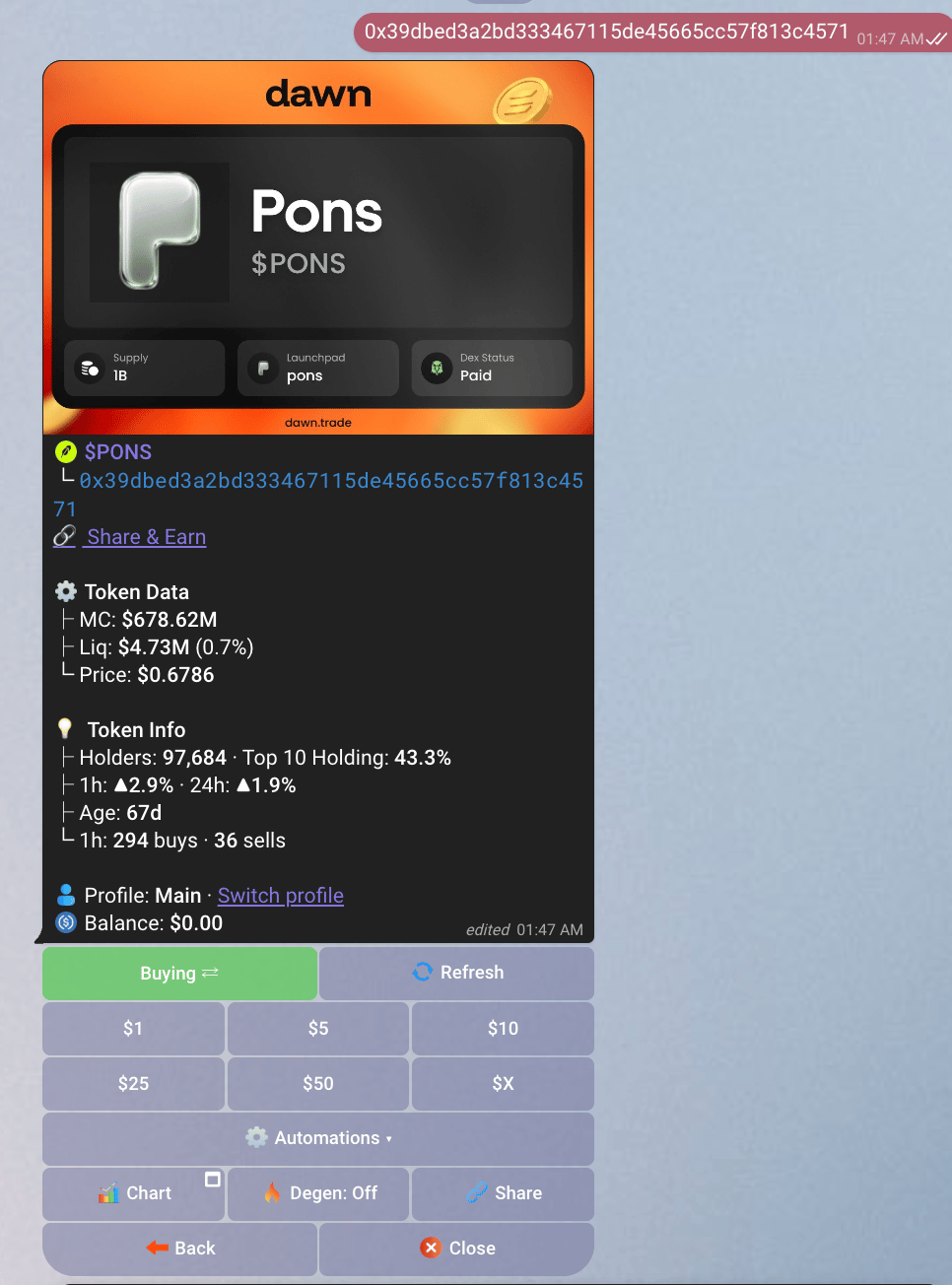
2
Tap an amount
The minimum is $1. Ethereum and some cross-chain routes have a higher one.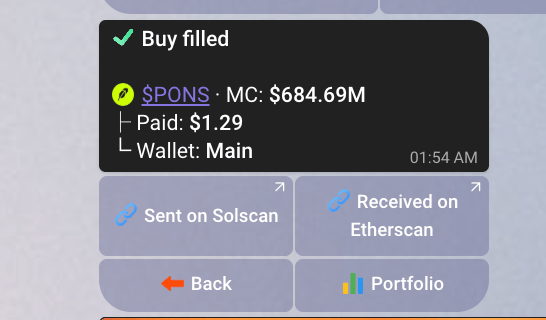
3
Watch the card
Dawn quotes, signs and submits. One card updates itself in place: Buying → submitted → filled.
Sell a coin
1
Open your holding
Send 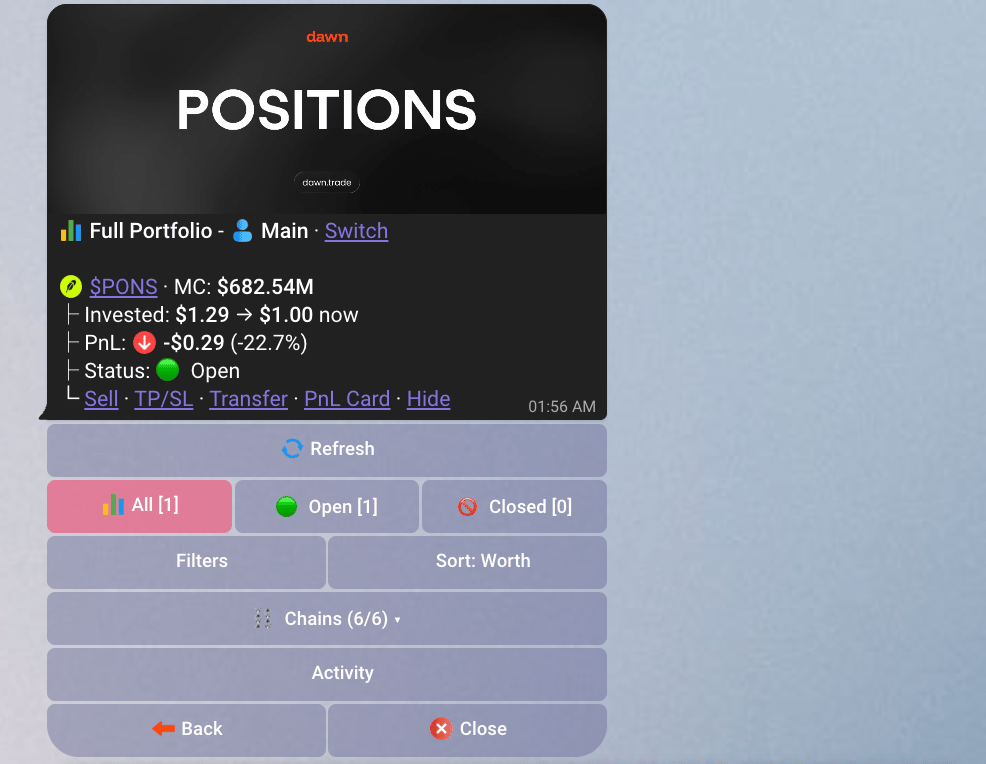
/portfolio and tap the coin, or paste its address again.2
Switch to Sell Panel Switch to selling
If the panel is on Buying ⇄, tap it to switch to Selling ⇄. The sell buttons are shares of what you hold, not dollar amounts.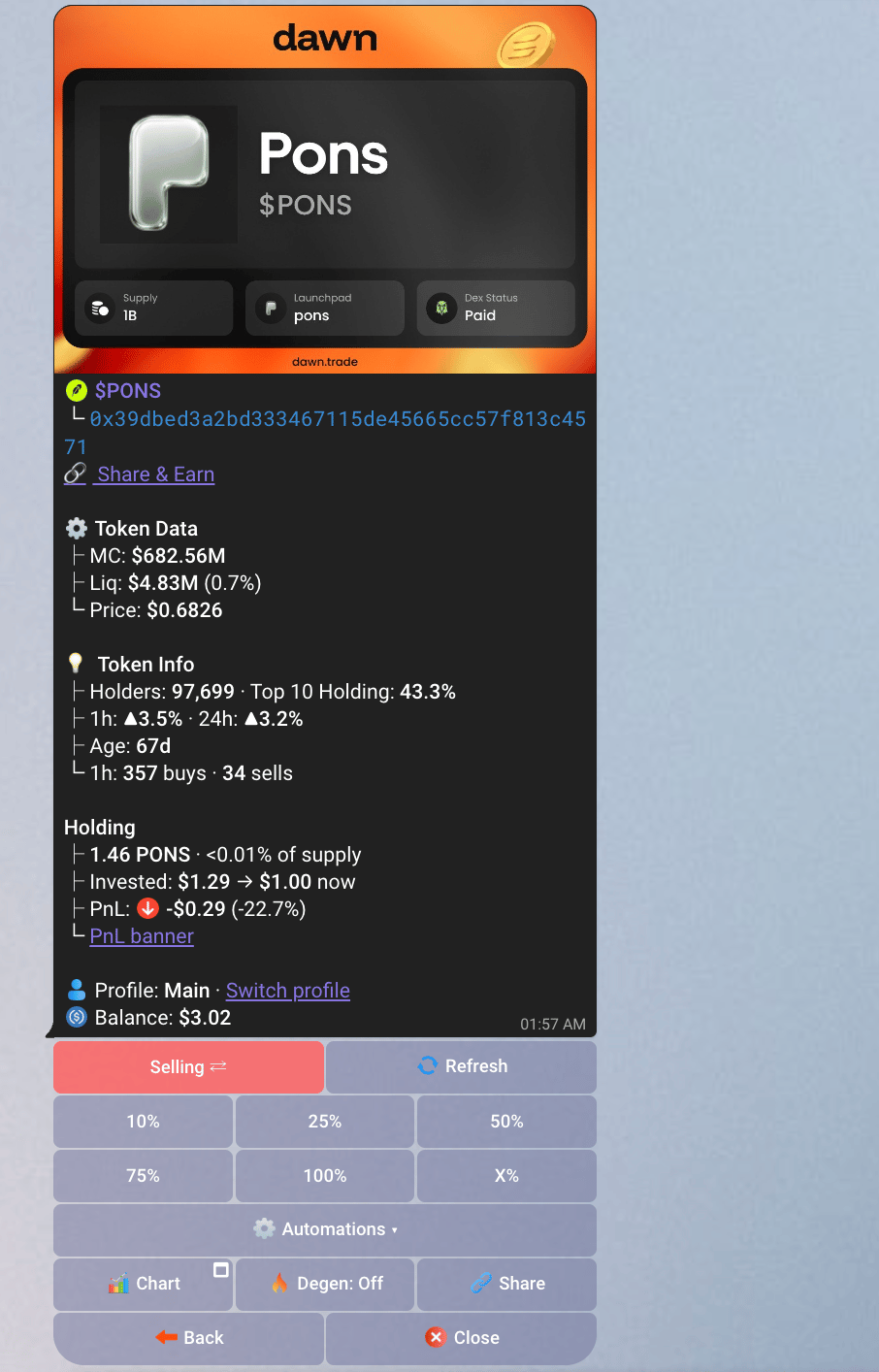
3
Tap a share
100% sells the whole position. The USDC goes back onto your balance, ready to spend again.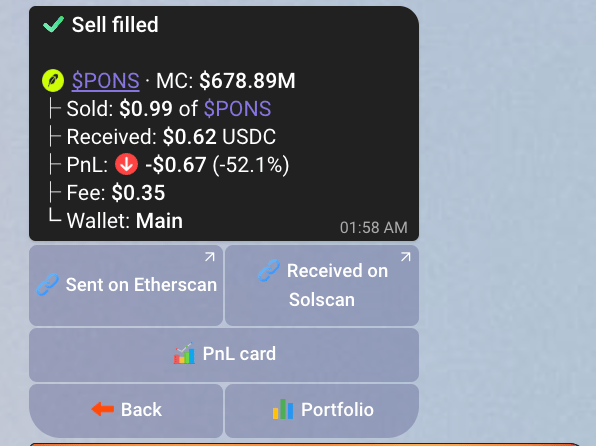
4
Read the result
There is no bulk exit across coins: sell each position from its own panel. For an exit that does not need you watching, set a stop-loss or take-profit.
Why a trade gets refused
A failed trade is not a lost trade: your USDC is back on your balance, and the message says why. Most messages also say what to do. Two that need a change on your side:
More in Troubleshooting.